
SecuremeVPN on every device you own.
One subscription covers all of them. Install it where you need it and sign in with the same email.
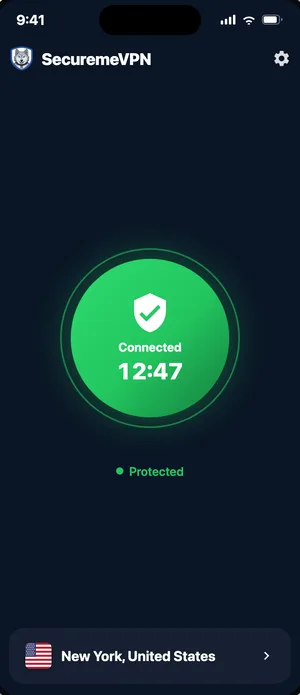
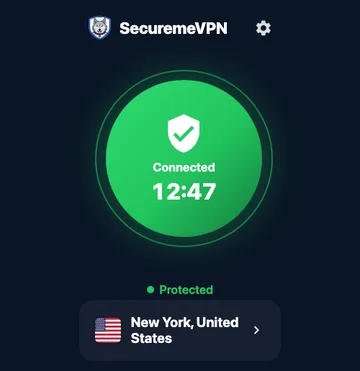
Desktop apps run on Premium
The Windows and Linux apps need an active plan. Subscribed in the iPhone or Android app? Sign in on your computer with the same email and it just works.
No plan yet? Pick one on the web and we email you a code that unlocks every device.
Install and verify
Step by step for the Windows and Linux apps. Phones and Macs install from their store.
Install on Windows
- Open
SecuremeVPN-Setup-1.0.3-x64.exeand allow it to make changes. This is the only time Windows asks for permission. - Launch SecuremeVPN and sign in with your account email.
- Choose a location and connect. You can start it with Windows from the installer's options.
If Windows shows "Windows protected your PC", choose More info, then Run anyway. We are finishing code signing for the installer.
Install on Linux
Ubuntu, Debian, Kali:
sudo apt install ./securemevpn_1.0.3-1_amd64.debCentOS Stream, RHEL, Rocky, Alma 9 (the tray library comes from EPEL):
sudo dnf install epel-release && sudo dnf install ./securemevpn-1.0.3-1.x86_64.rpmThen open SecuremeVPN from your applications menu. It connects through NetworkManager, so the tunnel also appears in your system's network menu, and it never asks for your password on your own desktop.
Verify your download
Compare the SHA-256 of the file you downloaded with these. Version 1.0.3, released 29 September 2026.
- Windows installer
f3f77804b3a251546e8769ec4a1cd598fff5bdd4c592cf277d583a7b235adcbb- Linux .deb
5ba6f825d919b6c4aa5864d269724534099f4d2f963e188cd0ac41cb1c76b838- Linux .rpm
9c347af566ded84b24699df26d894d13e8dfe36c2ccea60797bd45c3b7b70324
Windows: Get-FileHash .\SecuremeVPN-Setup-1.0.3-x64.exe · Linux: sha256sum securemevpn_* · SHA256SUMS